
How to Install Mods in Adult Games: Enhance Your NSFW Experience with Custom Content
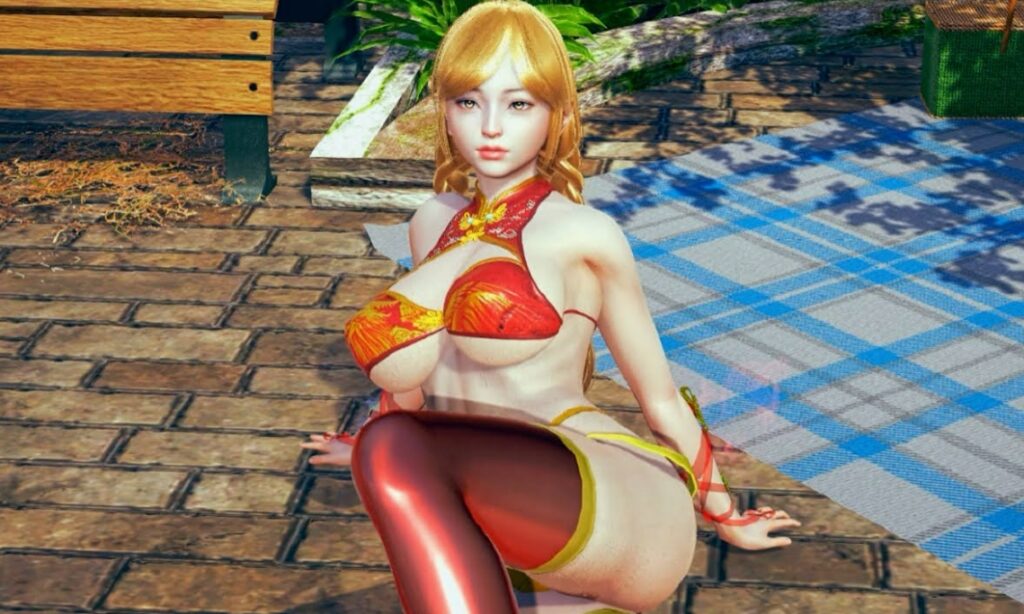
The true potential of many adult games isn’t revealed at launch—it’s unlocked by its community. NSFW mods can transform a good game into a personalized masterpiece, adding everything from stunning new visuals to entirely new systems. However, navigating the world of custom content (CC) can seem daunting. Fear not. This guide will turn you from a novice into a confident Master Modder, ready to safely enhance your favorite titles with new outfits, characters, mechanics, and beyond.
Why Use Mods in Adult Gaming?
Think of mods as official DLC, but crafted by a passionate community for the community. They directly address player desires, offering:
- Enhanced Visuals: Uncensor patches to remove regional censorship, 4K texture packs for skin and environments, and improved lighting.
- Expanded Content: New hairstyles, clothing, accessories, and even entirely new character models and morphs.
- New Functionality: Additional sex animations, posing tools, scene editors, and gameplay overhauls that add depth and replayability.
- Fixes & Improvements: Community patches that fix bugs, improve performance, or add quality-of-life features the developer may have missed.
Popular Games That Thrive on NSFW Mods
Certain game engines and communities are built around modding.
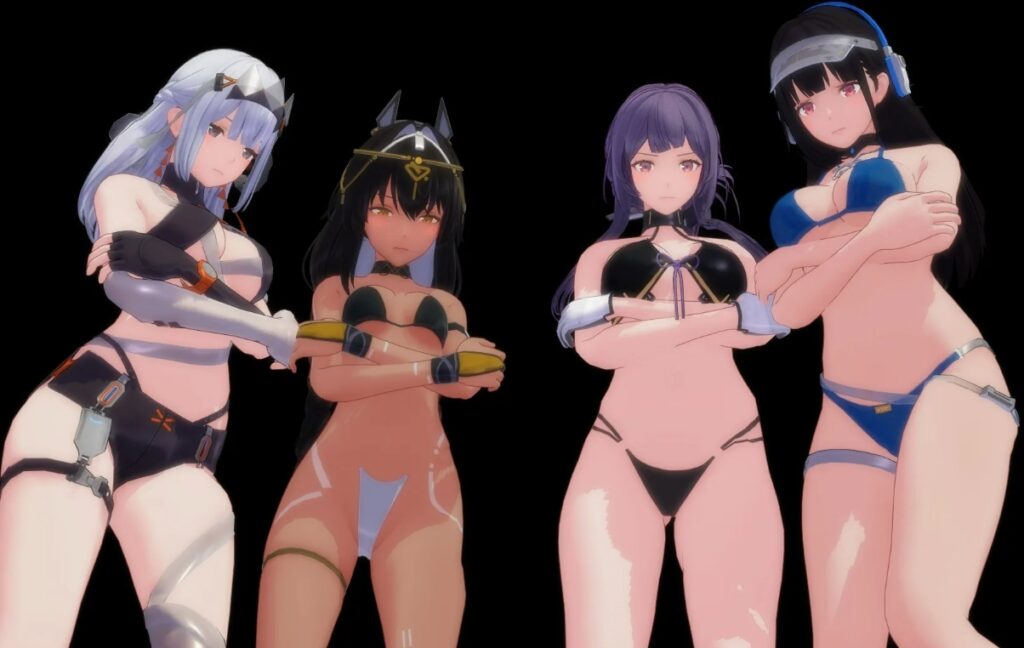
Illusion Games (Koikatsu, Honey Select 2): The BepInEx Framework
Games from Illusion (and their successors) are legendary for their modding scenes. Almost all modern mods require the BepInEx framework—a tool that allows plugins to run.
- Installation: Download the BepInEx pack for your specific game. Extract it directly into the game’s main folder (where the .exe is).
- Mod Structure: Most mods go into BepInEx/plugins/. Character cards (.png or .chara files) go into the UserData/chara/ folder.
Virt-A-Mate (VAM): Hub and Manual Installation
Virt-A-Mate has a semi-official ecosystem. The easiest way is through the built-in VAM Hub browser, which lets you download scenes, characters, and assets directly from within the game. For manual mods (like clothing or scripts):
- They are typically installed into AddonPackages. Simply drag the downloaded .var or folder into this directory.
Mainstream Games (The Sims 4, Skyrim): Finding «Spicy» Overhauls
For games like The Sims 4 or Skyrim, the process is identical to their SFW modding, just with adult-focused content.
- The Sims 4: Uses a dedicated Mods folder. Custom Content comes as .package files. The key is often the WickedWhims or WonderfulWhims framework, which acts as a foundation for most other NSFW overhauls.
- Skyrim/Fallout: Relies on mod managers like Vortex or Mod Organizer 2 to handle mod conflicts and load order, which is crucial for large-scale adult conversions.
Step-by-Step Guide: How to Safely Install Mods
While each game is different, the universal process follows these core steps.
Step 1: Locating the Game Directory
You can’t mod what you can’t find. Right-click your game’s shortcut (e.g., on Desktop or in Steam) and select Open file location. This takes you to the main folder containing the .exe file. This is your game directory—the root for all modding operations.
Step 2: Downloading and Unpacking Mod Files
- Download mods from trusted sources (see Safety section).
- Most mods come archived (.zip, .rar, .7z). Use 7-Zip to extract them.
- Crucially: Read the README.txt file. It contains specific installation instructions.
Step 3: Managing Load Order and Overwriting Files
- Often, you simply drag the extracted files/folders into the game directory and allow them to merge with existing folders (like Mods, Plugins, or Data).
- When prompted to overwrite files, ensure you are following the mod author’s instructions. Usually, you click «Yes.»
- For complex games (Skyrim, Sims with many mods), load order matters. Mods lower in the list usually override those above. Use a mod manager to handle this visually.
«Always make a full backup of your game’s Data, Managed, or UserData folders before applying any major overhaul mods!»
Essential Tools for Every NSFW Modder
- 7-Zip: The standard for unpacking archives.
- A Mod Manager: Vortex (Nexus Mods) for Bethesda games, The Sims 4 Mod Manager for simpler management.
- Framework Tools: BepInEx for Unity-based games (Illusion titles, many RPG Maker games).
- Text Editor: Notepad++ for safely editing configuration files (.xml, .ini, .json).
Common Issues: Why Is My Mod Not Working?
- Missing Dependencies: The mod requires another mod (a «framework») to work. Always check the «Requirements» section on the download page.
- Version Conflict: The mod is made for an older/newer version of the game. Check if an update is available.
- Improper Installation: Files are in the wrong subfolder. Double-check the paths in the README.
- Load Order Conflict: Two mods are trying to change the same thing. Disable mods one by one to find the culprit.
Safety First: Avoiding Malware in the Modding Scene
The modding community is mostly fantastic, but caution is key.
- Stick to Reputable Hubs: LoversLab is the central hub for adult mods. Game-specific Discord servers and Patreon pages of known mod authors are also safe.
- Beware of Shady Sites: Avoid sites filled with aggressive ads, «one-click installers,» or that require surveys to download.
- Scan Files: Use Windows Defender or a trusted antivirus to scan downloaded archives before extracting them.
| Type of Mod | Examples | Installation Complexity |
| Cosmetic (Косметические) | Textures, Hair, Clothing | Easy (Drag & Drop) |
| Gameplay (Геймплейные) | New animations, sex systems, quests | Medium (Often needs a framework) |
| System (Системные) | Overhauls, uncensors, UI changes | Hard (Risk of conflicts, careful install needed) |
Conclusion
Modding is the ultimate power move in adult gaming. It allows you to tailor your experience precisely to your fantasies, pushing games far beyond their original limits. By following this guide—prioritizing safety, using the right tools, and patiently troubleshooting—you unlock a boundless world of custom content. Start with a simple clothing mod, graduate to a gameplay overhaul, and soon you’ll be curating a game that is uniquely, perfectly yours.
Frequently Asked Questions (FAQ)
They can, depending on the mod. High-resolution texture packs (4K/8K) consume significant VRAM. Script-heavy mods that add new systems can strain your CPU. Start with a few mods and add gradually to monitor performance impact.
Character cards (.png files) are widely shared on image boards like Sankaku Complex (requires tagging knowledge) and dedicated community websites such as Illusion Soft Booru or the Unofficial Discord servers for those games. Pixiv is also a popular source.
Generally, yes, under fair use principles for personal, non-commercial use. However, they exist in a legal gray area. Distributing mods that contain ripped copyrighted assets from other games is illegal. Using mods typically violates the game’s EULA, but enforcement is rare and usually only targets distribution, not end-users. The biggest risk is having your account banned on platforms like Steam if you use mods in online modes.
The best method is to use a mod manager like Vortex or MO2, which has disable/enable toggles. For manual installs, you can temporarily rename the Mods folder to Mods_OFF or move problematic mod files to a separate location outside the game directory.
Other articles
 None
None
 None
None
 None
None
 About new products
 Back
Back
 None
None
 News
News
 None
None
 None
None

