
Best Mom


Thread Updated:
2026-04-08
Release Date:
2026-04-05
Genres:
Cheating
, Corruption
, Netorare
, Real porn
, sex toys
Developer:
BigBoyGames
Censored:
No
Version:
0.12 – Non Cheat
Language:
English
OS:
Windows, Mac, Linux, Android
In Best Mom, you step into the life of a strong single mother who, after her husband’s tragic death, must raise their four children on her own—three lively boys and one curious daughter. Set in a time when social norms and expectations make everything harder, the game delves into a mother’s deep love, her sacrifices, and her unshakable dedication to her family.


Installation:
Extract and run.
Developer Notes:
The game is still in its early development phase, with limited content currently available.
Android Installation:
README – How to Install and Play the Game on Android
====================================================
IMPORTANT:
This package contains both the game installer (APK) and all the image/video files needed to play. Follow these steps carefully, or the game will not work.
—————————————————-
1. What’s Inside This Package
—————————————————-
– Game.apk → The game installer
– images.zip → All game visuals (images + videos)
– README.txt → This guide
—————————————————-
2. Step-by-Step Installation
—————————————————-
STEP 1 – Download the Package
——————————
Download the entire game package from the server (APK + images.zip + README.txt).
Save it somewhere on your device (e.g., Downloads folder).
STEP 2 – Extract the Package
—————————–
Use a file manager or extraction app (e.g., RAR, ZArchiver, or X-plore)
to unpack the downloaded archive. (pro tipp: File Manager+ is a free and handy tool for that in Google Store)
After extraction, you should see:
– Game.apk
– images.zip
– README.txt
STEP 3 – Install the Game
————————–
Tap Game.apk and install it.
If your phone asks, enable “Install from unknown sources” in your settings.
STEP 4 – Extract the images.zip File
————————————-
Extract images.zip (do NOT just place the zip file into the folder — it must be uncompressed).
You will now have a folder named:
images
STEP 5 – Run the Game Once
————————–
Open the game normally from your app menu.
It will likely show black screens or errors — THIS IS NORMAL.
The purpose of this step is to let the game create its folder structure.
Once the main menu loads (even without images), close the game completely.
STEP 6 – Place the images Folder in the Game Directory
——————————————————-
Using your file manager, navigate to:
/Android/data/com.example.game/files/game/
If there is no “game” folder inside /files/, create one.
Move the “images” folder into /game/.
Final Path Example:
/Android/data/com.example.game/files/game/images/
—————————————————-
3. Important Notes
—————————————————-
– Do NOT keep images.zip compressed — the folder must be fully extracted.
– If the images folder is in the wrong location, the game will not load visuals.
– If you cannot access /Android/data/, use a file manager that supports Android 11+ restrictions, such as X-plore.
– The game will show black screens if the images folder is missing or misplaced.
—————————————————-
4. Extra Help
—————————————————-
– If you don’t understand English, use Google Translate or ChatGPT to translate these instructions.
– If something goes wrong, double-check the folder structure.
– The images folder must always be directly inside /game/ — not inside another subfolder.
You might also like
Real Porn Simulator
RPSim is a realistic porn simulator game that stands out from other sim games.
version 0.0001
by RPSimGame
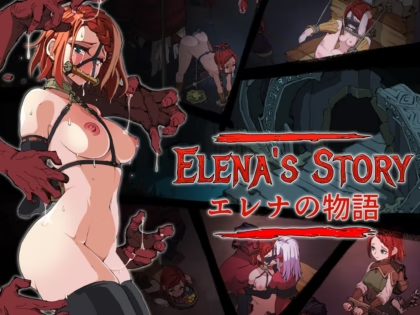
Elena’s Story
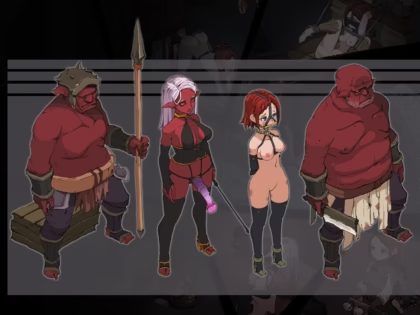
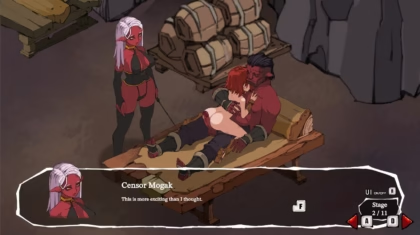
Elena, an adventurer, is captured by a brutal and sadistic demi-human race
version 1.5 Itch
by Submissive Fate

NTR Chat: Marital Problems
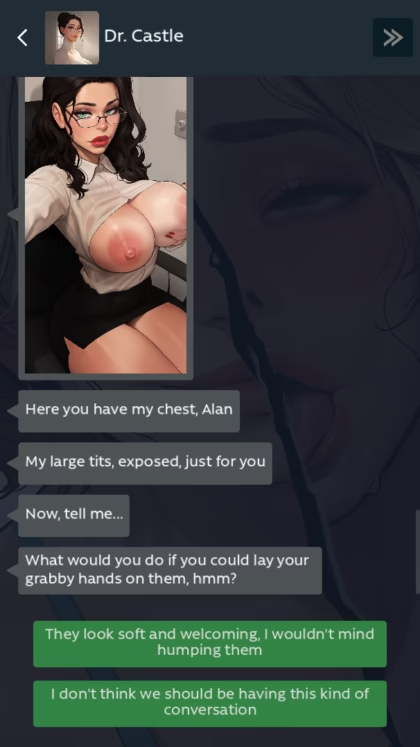
Your marriage is falling apart, and as a last resort, you turn to a therapist
version 0.11b
by KusoBin



Housewives Pay You Rent With Their Bodies
You are a man who stumbled into wealth through an unexpected investment...
version 1.0
by TomatoBaron

Seeds of Chaos
Seeds of Chaos is a dark fantasy eroge made in Ren’py, inspired by the worldbuilding...
version 0.4.13
by Vénus Noire

Five Night at Lust
In Five Night at Lust, you’ll follow the life of a young man...
version 0.3.0 Public
by Warui Programmer


Something Unlimited
Something Unlimited is a comic-based parody brothel management game.
version 2.4.8
by Gunsmoke Games

Swipe Right for Sugar Mama Sensei
What if those ‘horny MILFs in your area just want to FUCK’ ads were legit...
version 1.4.1l
by Miel
Acceptance
The narrative follows a young man who is struggling to find his identity
version 0.1 – Prologue
by Lovelustkinkgame
New games


Attack on Survey Corps
Attack on Survey Corps is a game set in Attack on Titan universe.
version 0.27.1
by AstroNut
Please Keep it Dry
Hi everyone ,finally after a while we managed to release the second mini Game
version 1.0
by SuccubiGames
Popular games


Brain Rot
Join Will and his girlfriend, April, as they navigate their way through college.
version 0.2
by EnzoStudios

Parasitorium
The events of this game take place in one of the secret biological laboratories
version 0.5.1
by SupremeAI
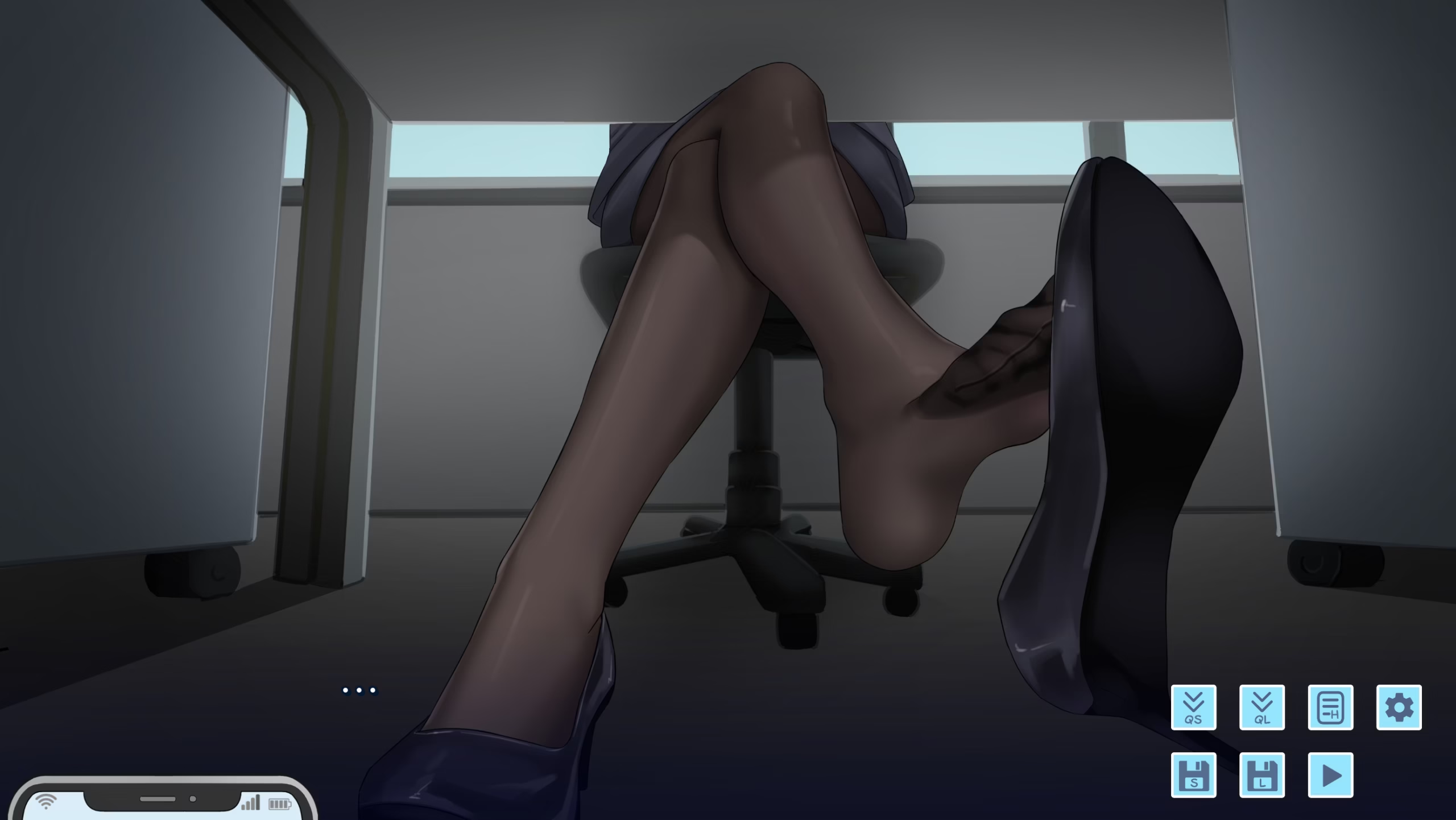
My Toes Story
You’re a young salaryman living under the strict command of your overbearing boss
version Demo
by Osjey
 Back
Back

